Configuring plugins
Plugins are optional parts of eventyay that can be installed to extend the available functionality and that can be turned on or off completely for every event. For your event, a number of plugins might be active already, but you can unlock even more functionality by going to “Settings” → “Plugins” and enable more of them, if you need.
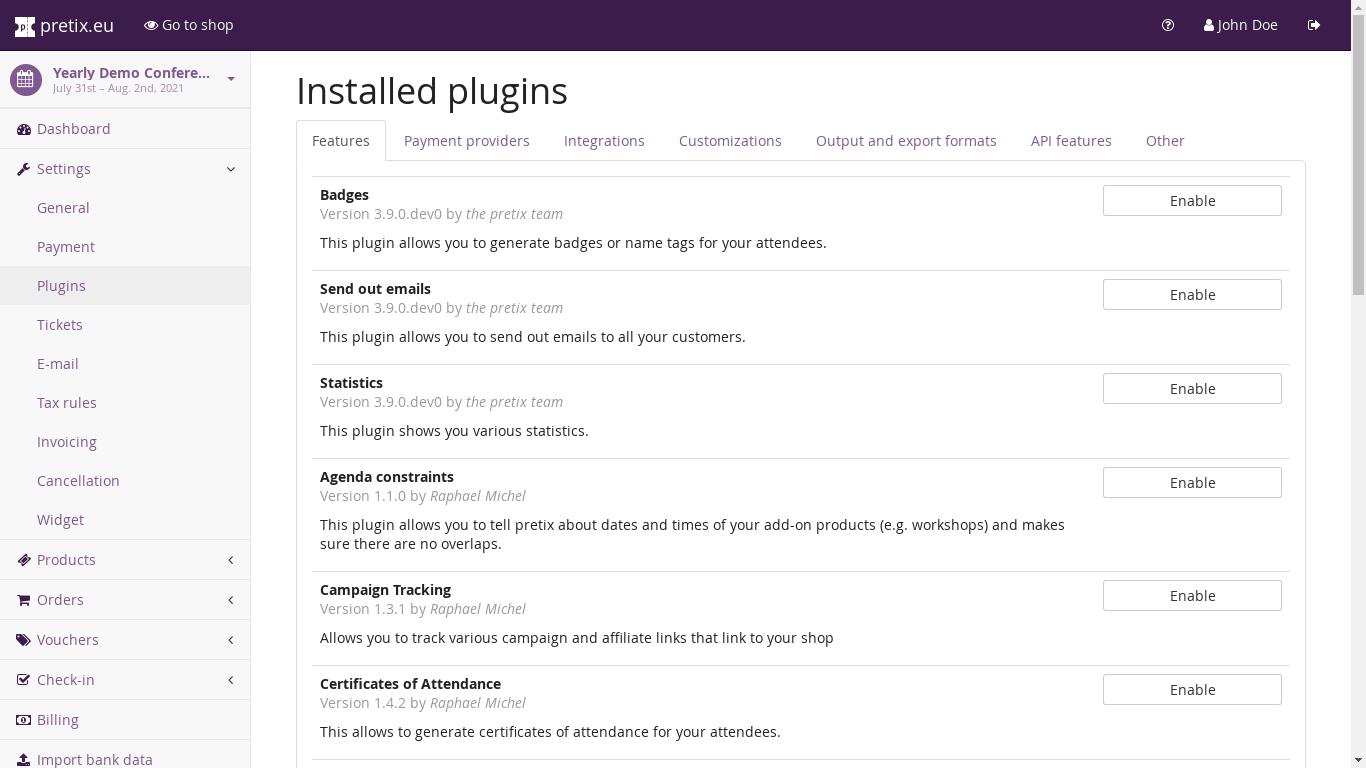
For each plugin, you will find a short description as well as an Enable/Disable button. The eventyay website has an overview of available plugins and more details of them. If you are on the eventyay.com hosted service, look for the “eventyay Hosted” badge in the plugin list to learn which ones are supported there.
If you are running eventyay on your own server, refer to the installation manual of your installation type to learn how to install additional plugins (manual or Docker).